

 Image 1 of 1
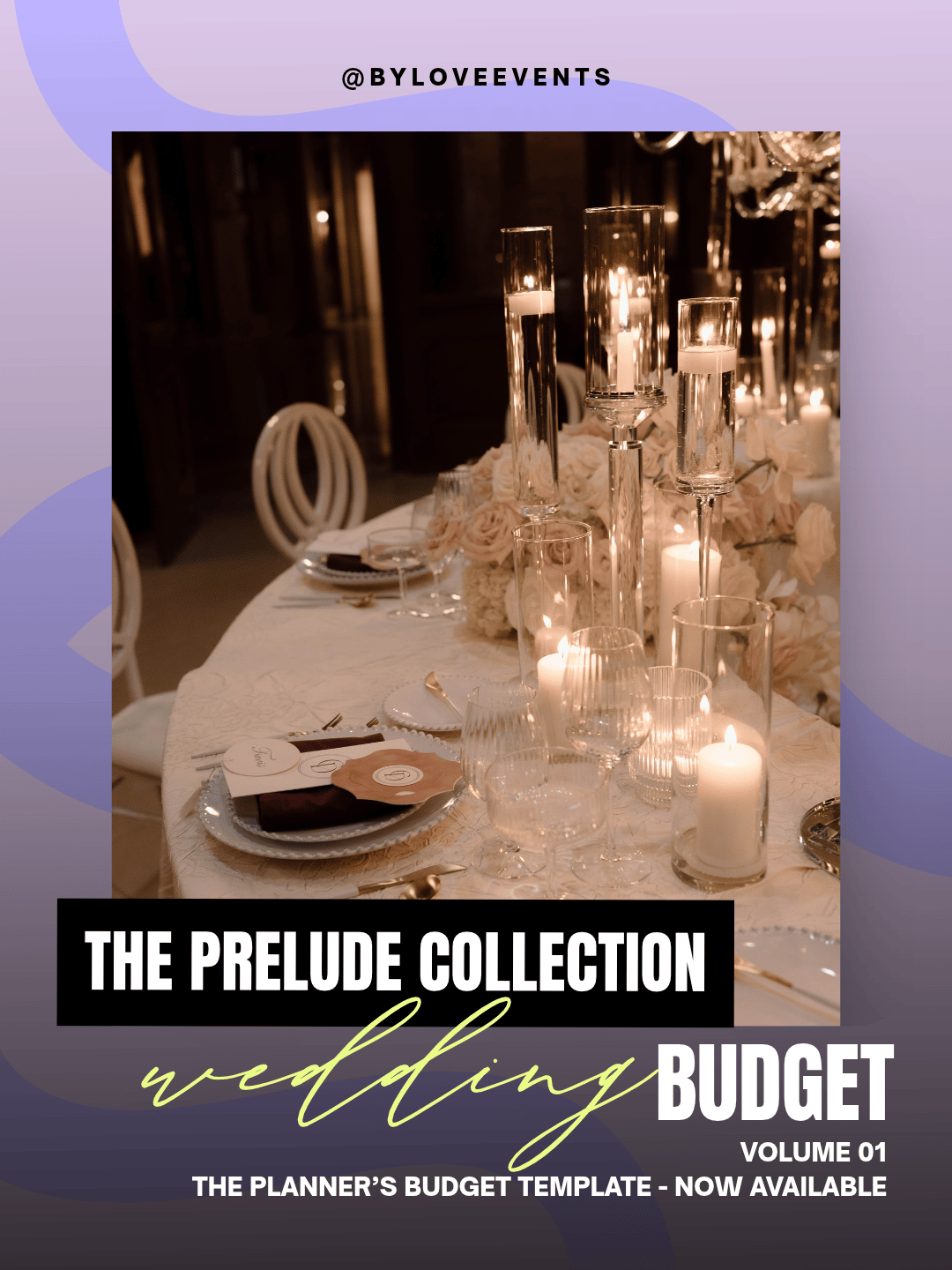
Every beautiful wedding starts with an honest number. This is the same budget framework By Love Events uses to plan real weddings — now a Google Sheets template you can make your own in one click.
It’s organized the way a planner actually thinks: by priority, so you fund what matters most first, then build outward to the details. Compare two venues or packages side by side and watch the difference calculate in real time. Type your numbers into the shaded columns, and every subtotal, total, and comparison fills itself in — no spreadsheet skills, no software to buy.
Think of it as a planner quietly in your corner: the notes on each line tell you what to expect, what to prioritize, and where couples tend to over- or under-spend.
What’s included:
A complete wedding budget in four smart categories — Priority, Foundational Vendors, Decor, and Misc.
Side-by-side columns to weigh two venues or packages, with an automatic Difference calculation
Every subtotal, category total, and grand total built in and auto-calculating
Built-in planner guidance on every line — what it covers, what to prioritize, where to save
An Inspiration column to drop in your own reference photos
A simple “How to Use” guide so you’re confident from the first cell
Delivered as a Google Sheets template — your own editable copy in one click
Why it’s different:
This isn’t a blank grid you found for free. It’s a working planner’s tool, built on a simple philosophy: plan to your preferred maximum, then work to come in under it. Better to know your ceiling and beat it than to guess low and get surprised later.
What you’ll need: A free Google account — that’s it. (Works on desktop and the Google Sheets app.)
The details: Instant digital access · Google Sheets template · Personal use by one couple · With love. 💜
Every beautiful wedding starts with an honest number. This is the same budget framework By Love Events uses to plan real weddings — now a Google Sheets template you can make your own in one click.
It’s organized the way a planner actually thinks: by priority, so you fund what matters most first, then build outward to the details. Compare two venues or packages side by side and watch the difference calculate in real time. Type your numbers into the shaded columns, and every subtotal, total, and comparison fills itself in — no spreadsheet skills, no software to buy.
Think of it as a planner quietly in your corner: the notes on each line tell you what to expect, what to prioritize, and where couples tend to over- or under-spend.
What’s included:
A complete wedding budget in four smart categories — Priority, Foundational Vendors, Decor, and Misc.
Side-by-side columns to weigh two venues or packages, with an automatic Difference calculation
Every subtotal, category total, and grand total built in and auto-calculating
Built-in planner guidance on every line — what it covers, what to prioritize, where to save
An Inspiration column to drop in your own reference photos
A simple “How to Use” guide so you’re confident from the first cell
Delivered as a Google Sheets template — your own editable copy in one click
Why it’s different:
This isn’t a blank grid you found for free. It’s a working planner’s tool, built on a simple philosophy: plan to your preferred maximum, then work to come in under it. Better to know your ceiling and beat it than to guess low and get surprised later.
What you’ll need: A free Google account — that’s it. (Works on desktop and the Google Sheets app.)
The details: Instant digital access · Google Sheets template · Personal use by one couple · With love. 💜